
Route Optimizer
Route optimizer software that cuts wasted drive time
Too much of the day gets lost between jobs. Route optimizer software helps dispatch turn SmartWorks Work Orders into daily routes by selecting a date, organizing work orders, optimizing assignments, and reviewing routes by driver before saving the plan.
- Requires SmartWorks with Work Orders
- Built for dispatchers, ops managers, and field supervisors
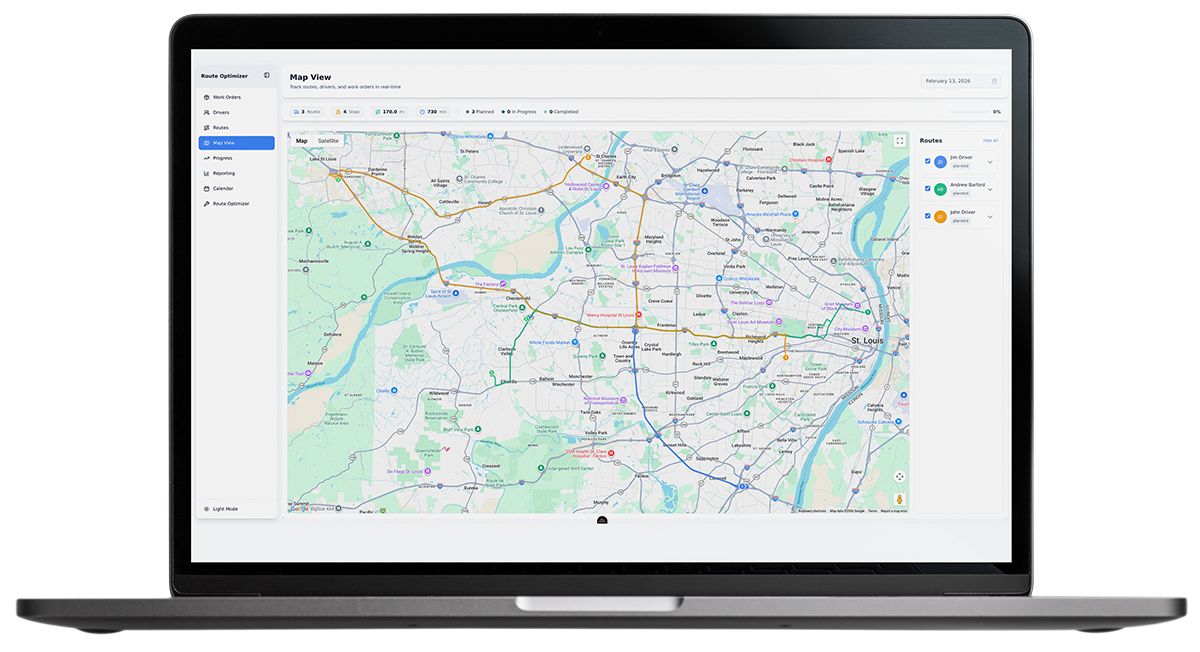
Start the day with a better plan with route optimization software
Manual route planning usually breaks down in familiar ways. Too much time goes to backtracking, poor sequencing, manual assignment, and mid-day cleanup. The issue is not just where jobs are on the map. It is whether the day started with the correct work order details and route settings.
Route Optimizer helps dispatch build daily routes from SmartWorks Work Orders using the inputs that shape real execution. Teams can select a date, choose work orders, assign drivers, optimize routes, review the result by driver, and save the plan for the day.
Instead of relying on spreadsheets, memory, or trial and error, dispatch gets a more structured way to build a route plan that is easier to manage once the day is underway.
How route optimization software helps improve the day
Reduce windshield time
When work is grouped and sequenced more logically, crews spend less time driving unnecessary miles between stops and more time on actual work.
Bill more jobs
By reducing avoidable travel and giving dispatch a clearer way to organize work by driver, Route Optimizer can help teams create more billable time in the day.
Improve on-time performance
When dispatch can organize work with clearer route logic and more deliberate inputs, the plan is easier to keep on track.
Support a better customer experience
This feature does not include customer messaging. But fewer avoidable delays and better route discipline support more consistent service.
Built for dispatch first
For dispatchers
Start with a stronger route plan instead of spending the morning cleaning one up. Route Optimizer gives dispatch a more consistent way to organize work, optimize assignments, review routes by driver, and save the plan.
For operations managers
Reduce wasted drive time, improve planning discipline, and create more capacity without adding unnecessary drag to the operation.
For field supervisors
A more realistic route plan helps reduce reshuffling and avoid schedule disruption in the field.
Build routes around your daily reality
Route Optimizer works from both work orders and the planning choices dispatch already makes, such as how long jobs take, which work matters most, who should handle it, and what each driver’s day needs to look like. That gives your team a more practical way to build routes that hold up in the field, not just on the screen.
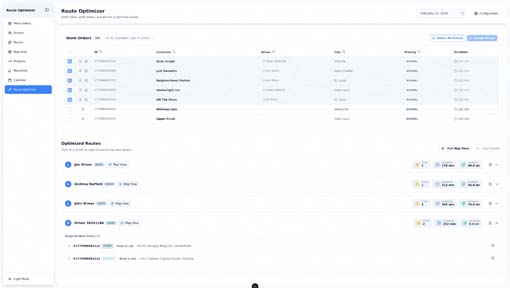
Work orders & duration
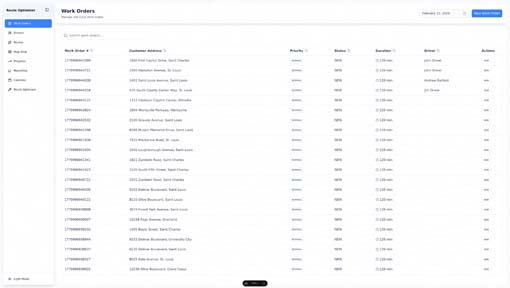
Start with the jobs that need to get done that day, including the expected job lengths.
Priority
Make sure urgent or high-value work is handled in the right order for better customer service.
Driver assignment
Put the right work with the right driver before you review the route.
Optimization goals
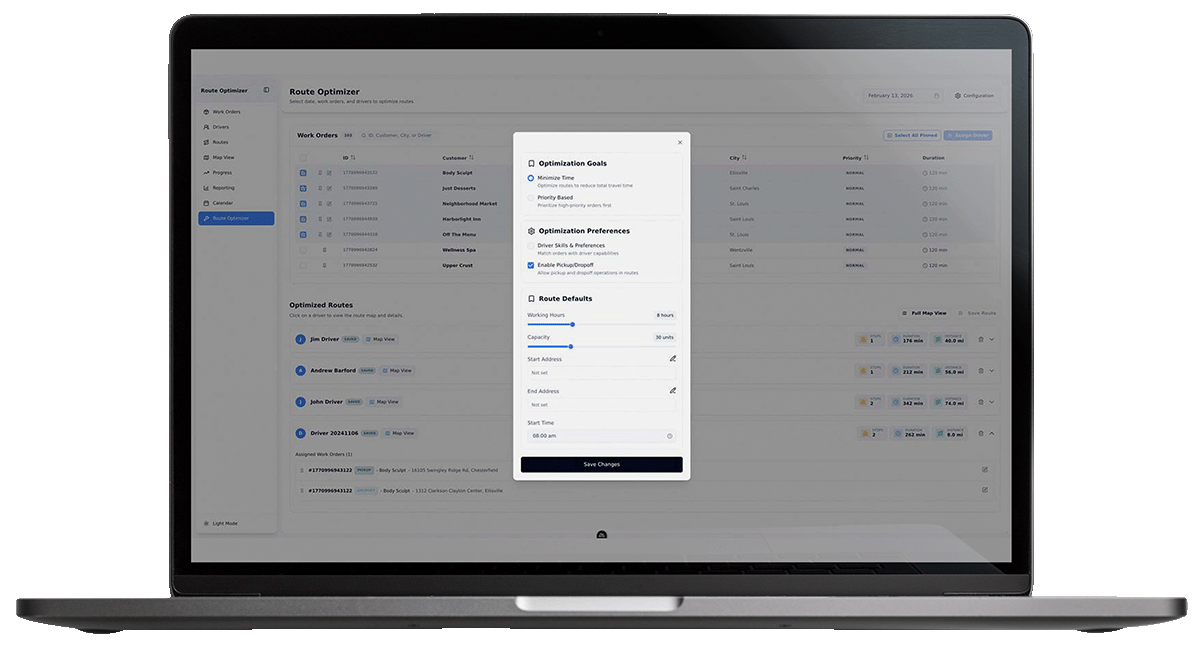
Choose whether the route should focus on reducing travel time or prioritizing higher-level work.
Driver skills & preferences
Build routes with a better understanding of who is best suited for the work.
Pickup & drop-off support
Plan more accurately for workflows that include both pickup and drop-off activity.
Route defaults
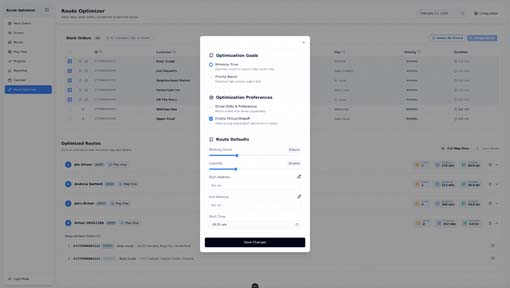
Set working hours, capacity, start address, end address, and start time so the route reflects how the day really works.
Route output
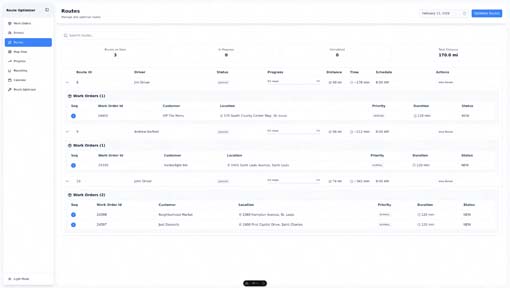
Review each optimized route by driver, stops, duration, and distance. Open the map view for more detail.
Gain more control with route optimizing software
Route Optimizer gives dispatch more control over how routes are built. Teams can choose an optimization goal, account for driver skills and preferences, enable pickup and dropoff flows, and set route defaults such as working hours, capacity, start address, end address, and start time.
That helps teams build routes that reflect operational reality, not just geography.
This is also why Route Optimizer should not be treated like a black box. It supports dispatch judgment. It does not replace it.
Review routes in context
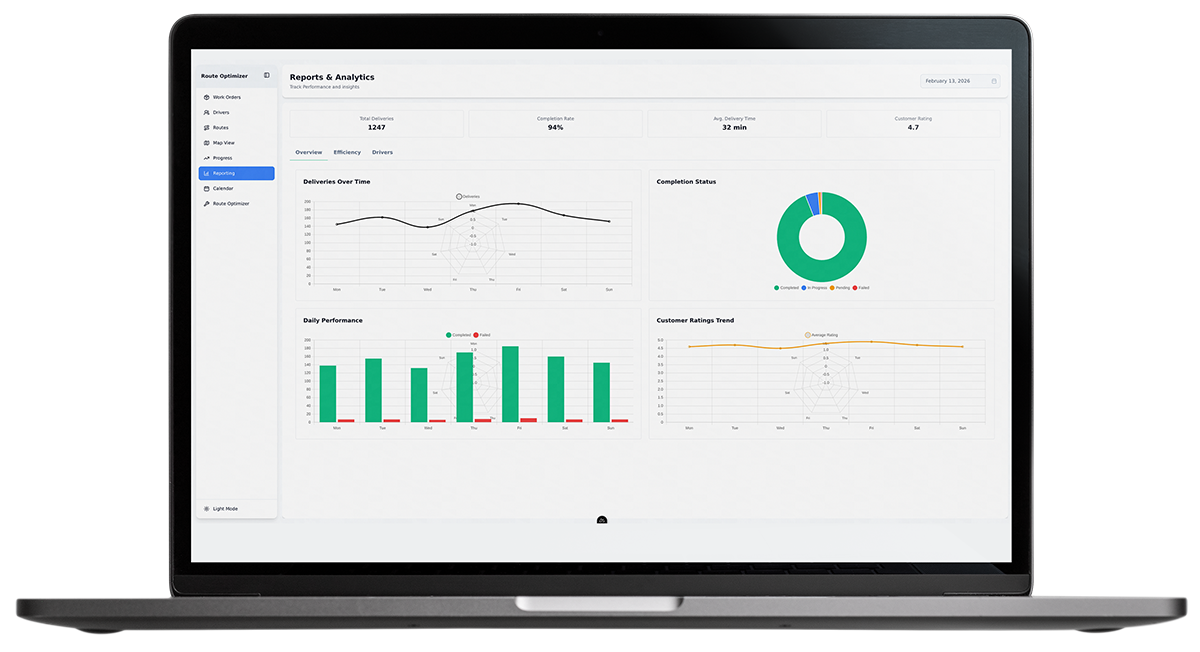
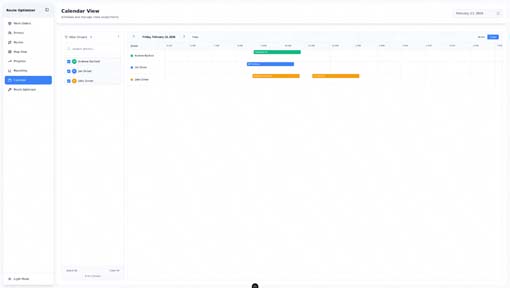
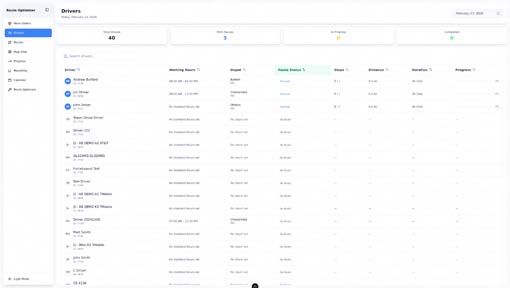
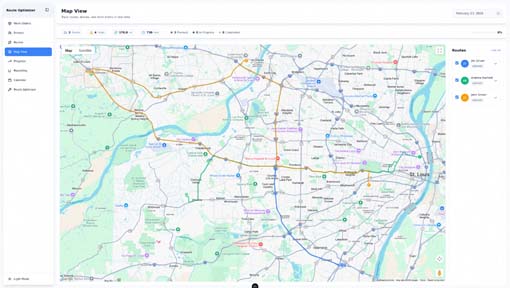
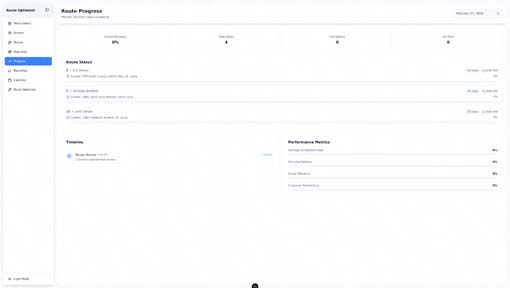
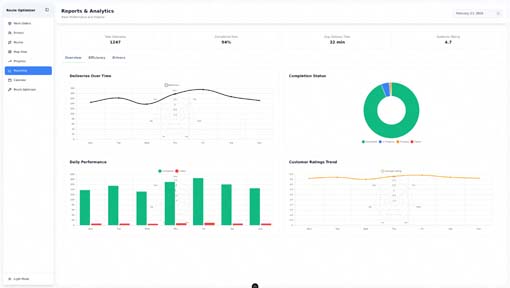
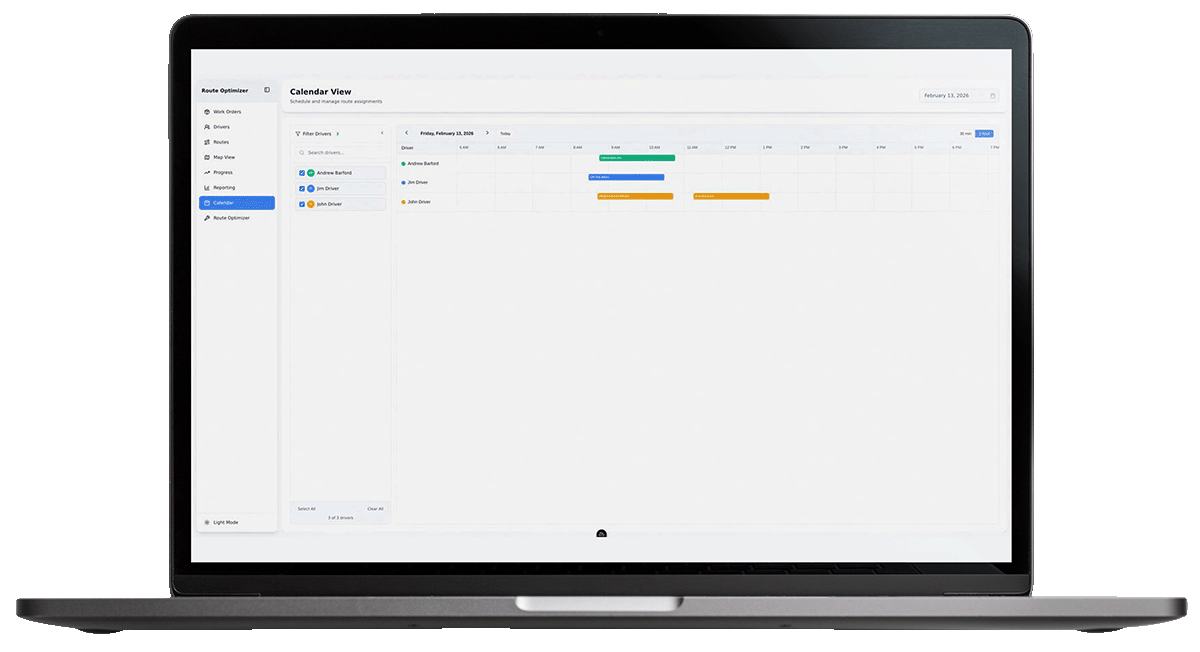
Planning is only part of the job. Route Optimizer is supported by route, map, calendar, progress, driver, and reporting views, so teams can review the plan, track execution, and monitor performance throughout the day.
That gives dispatch and operations more visibility into:
- Assigned routes by driver.
- Planned stops, distance, and duration.
- Route layout on the map.
- Schedule timing in calendar view.
- Route progress during the day.
- Route performance in reporting.
Frequently asked questions
Does Route Optimizer require SmartWorks?
Yes. Route Optimizer requires SmartWorks with Work Orders.
Does it include customer messaging?
No. Route Optimizer is focused on building and optimizing the daily route. It does not include customer messaging.
What data inputs can dispatch use to build routes?
Dispatch can work from SmartWorks Work Orders and route settings, including duration, priority, driver assignment, optimization goals, driver skills and preferences, pickup and dropoff support, working hours, capacity, start address, end address, and start time.
What does Route Optimizer provide to teams?
Teams can review optimized routes by driver, including assigned stops, planned duration, and distance. Routes can also be reviewed in map, calendar, progress, and reporting views.
Ready to build a better day before the first truck rolls?
Turn work orders into a realistic daily plan with less wasted drive time, fewer route problems, and more room for the work that matters.